
The AI video platform for teams
Upload a doc, a blog post, or an idea and get a narrated animated video in minutes. Edit the script and re-render anytime. Built for teams making lots of videos, like training libraries, ongoing updates, and content programs.
Best for training libraries, ongoing updates, and blog-to-video programs.
Start from a prompt, doc, or URL.
Knowlify drafts a narrated, animated video in minutes.
Make videos yourself, at your own pace
Skip scripts, storyboards, and editing software. Turn a document or a prompt into a finished, on-brand video, free to start.
Your document
AI storyboard
Finished video
Doc in, narrated video out
Upload a PDF, slide deck, blog post, or outline. The AI writes the script, builds a storyboard, generates the voiceover, and animates every scene.
Edit the script, re-render in minutes
Change a sentence or chat with the AI to fix a scene, then re-render instantly. No timeline, no keyframes, no video software to learn.
Built for libraries that keep growing
Make one video or a hundred at your own pace. Reuse your brand, voice, and style across an entire training or content program.
On-brand automatically
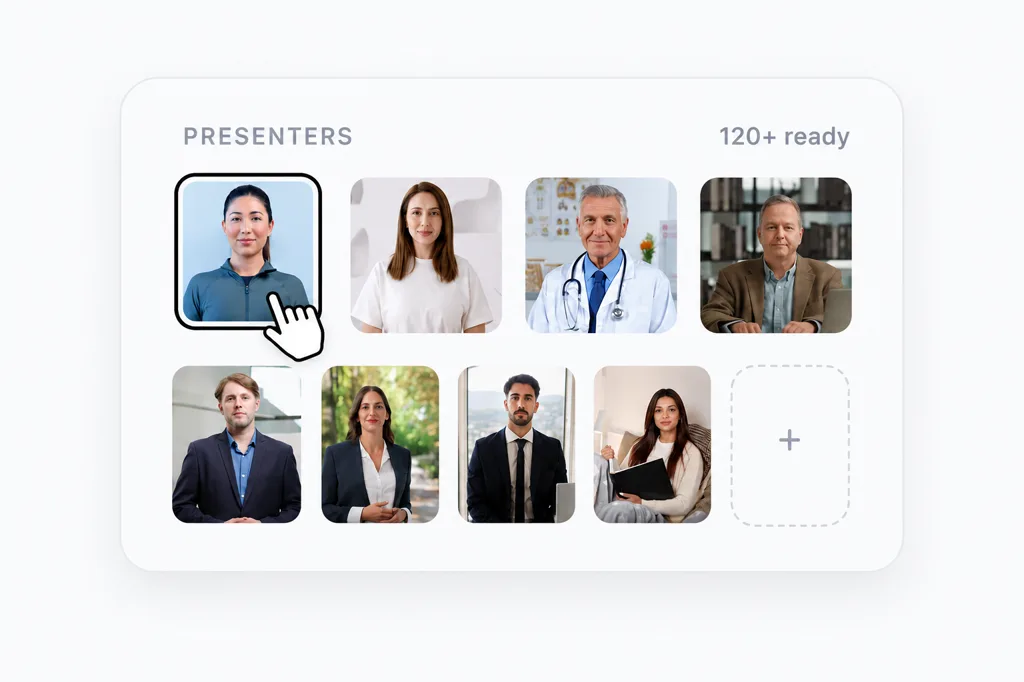
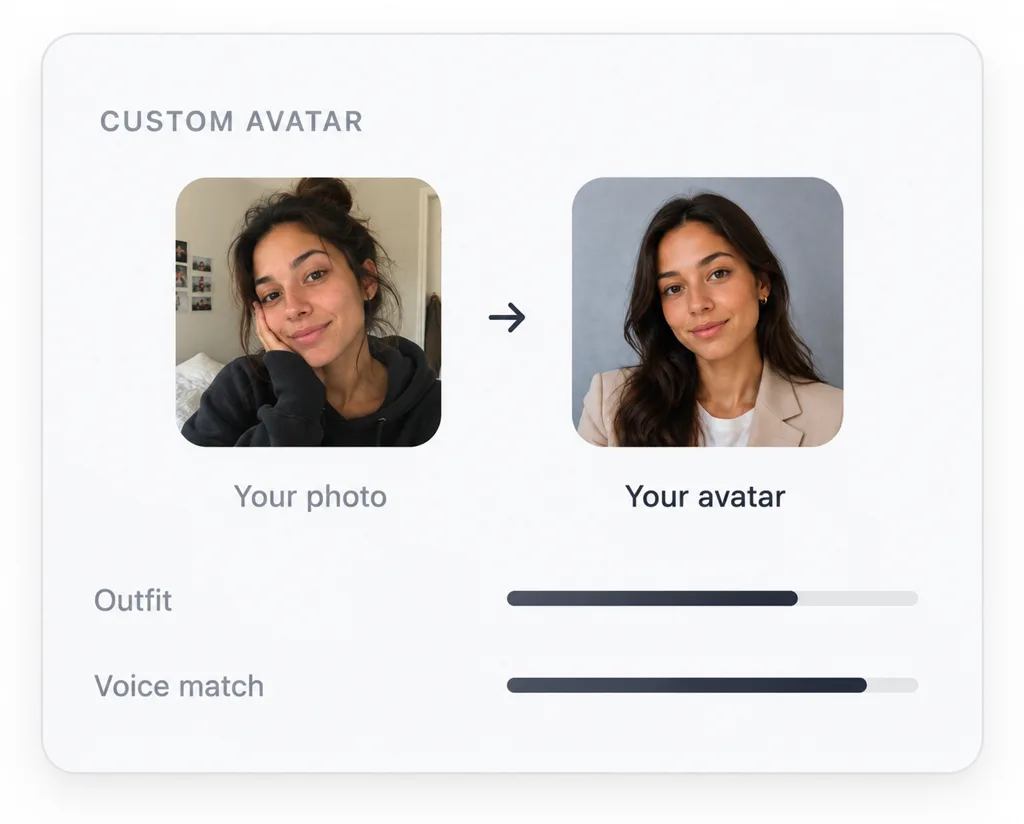
Pull your brand from your website, apply your logo and colors across every scene, and add an AI avatar or your own digital twin as a presenter.
Loved by teams who make video at scale
Real teams use the Knowlify platform to turn docs into narrated, animated video, at their own pace.














Make your first video, free
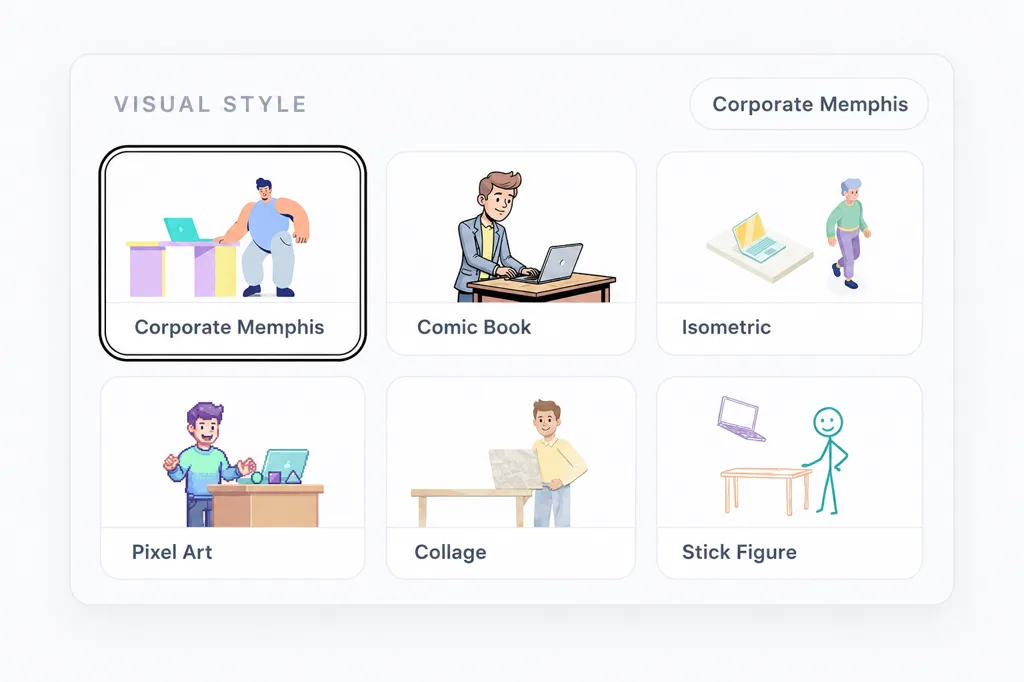
Pick a style, describe your video or drop in a doc, and watch Knowlify draft a narrated, animated explainer in minutes.
1 Pick a style
2 Describe your video, or upload a doc
No credit card required. Edit the script and re-render anytime.
Inside the platform
Everything you need to make a video
Made with the platform
Real videos created from a doc or a prompt
Make your first video free
Upload a doc or type a prompt and get a narrated, animated video in minutes.
FAQ
Platform questions
What is the Knowlify Platform?+
The Knowlify Platform is a self-serve AI video tool. You upload a document or type a prompt and the platform writes the script, builds a scene-by-scene storyboard, generates a voiceover, and animates a finished video. You can edit any scene and re-render in minutes, with no editing software to learn.
How is the Platform different from Content Yard?+
The Platform is self-serve: you make narrated, animated videos yourself in minutes, ideal for training libraries, ongoing updates, and content programs. Studio is done-for-you: our production team writes and animates a high-stakes video for you, ideal for product launches, medical explainers, and brand films.
What can I upload to create a video?+
PDFs, Word docs, Google Docs, slide decks, blog posts, outlines, and plain text. The AI reads your content and turns it into a structured video with a scene for each key idea. You can also start from just a prompt.
Is the Platform free to start?+
Yes. You can start free, type a prompt or upload a document, generate your first video, and edit the script before rendering. Paid plans add more credits, longer videos, and team features.
Can I edit a video after it is generated?+
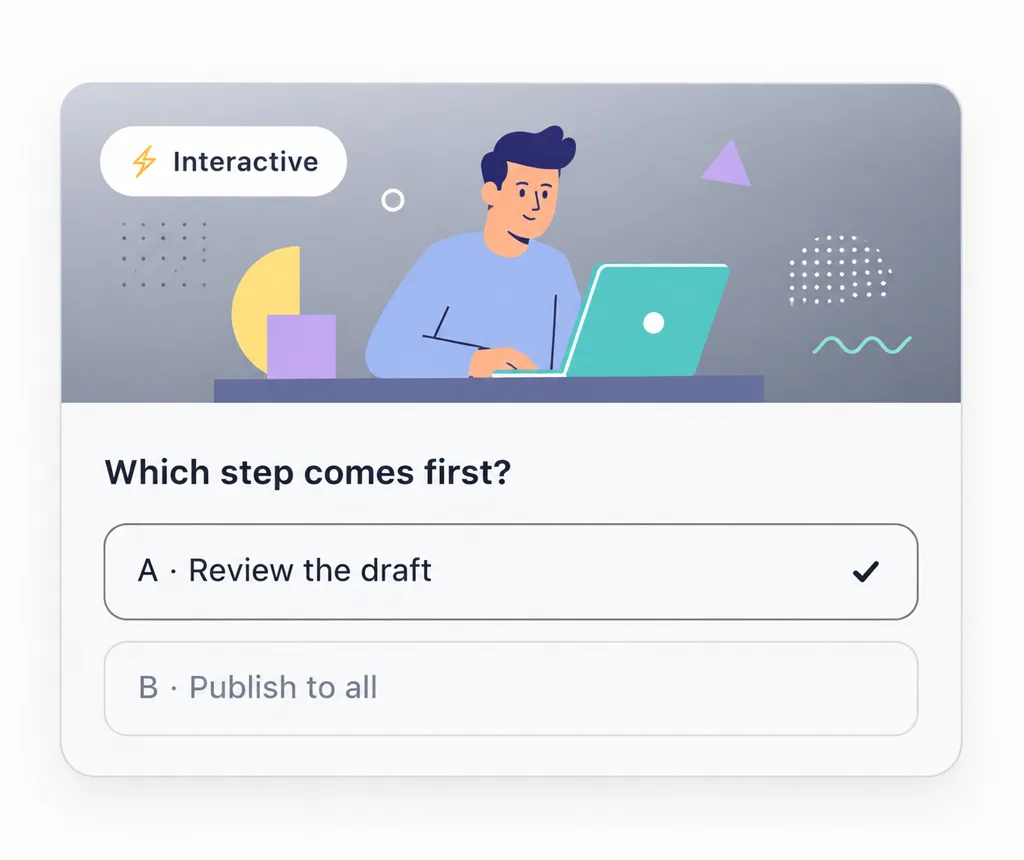
Yes. Edit the script line by line, tweak per-scene motion and first-frame prompts, or chat with the AI in plain English, then re-render instantly. You change a sentence instead of reworking a hundred keyframes.
Can I apply my brand and add a presenter?+
Yes. The brand kit fetches colors from your website or extracts a palette from an image and applies your logo and colors across every scene. You can also add an AI avatar host or upload a photo to create a custom digital twin presenter.
What languages and voices are supported?+
Knowlify supports a wide range of natural AI narration voices and accents, and you can clone your own voice or add a custom voice ID so videos sound like your brand in your audience’s language.
Is the Platform good for making lots of videos?+
Yes. It is built for teams producing video at scale, like training libraries, onboarding, ongoing updates, and blog-to-video programs. Reuse your brand, voice, and style so every new video stays consistent.
Need video to be exactly right?
Content Yard produces it for you
For any explainer video you need done right, our production team writes, animates, and delivers the whole video.
Explore Content Yard →